IBM MQ RDQM Patching Guide: The hidden kernel-module dependency that can stop HA queue managers
Why this IBM MQ RDQM Patching Guide exists
RDQM makes IBM MQ highly available by using DRBD disk replication and a cluster stack (Pacemaker/Corosync). That’s great – until a routine RHEL patch window updates the Linux kernel.
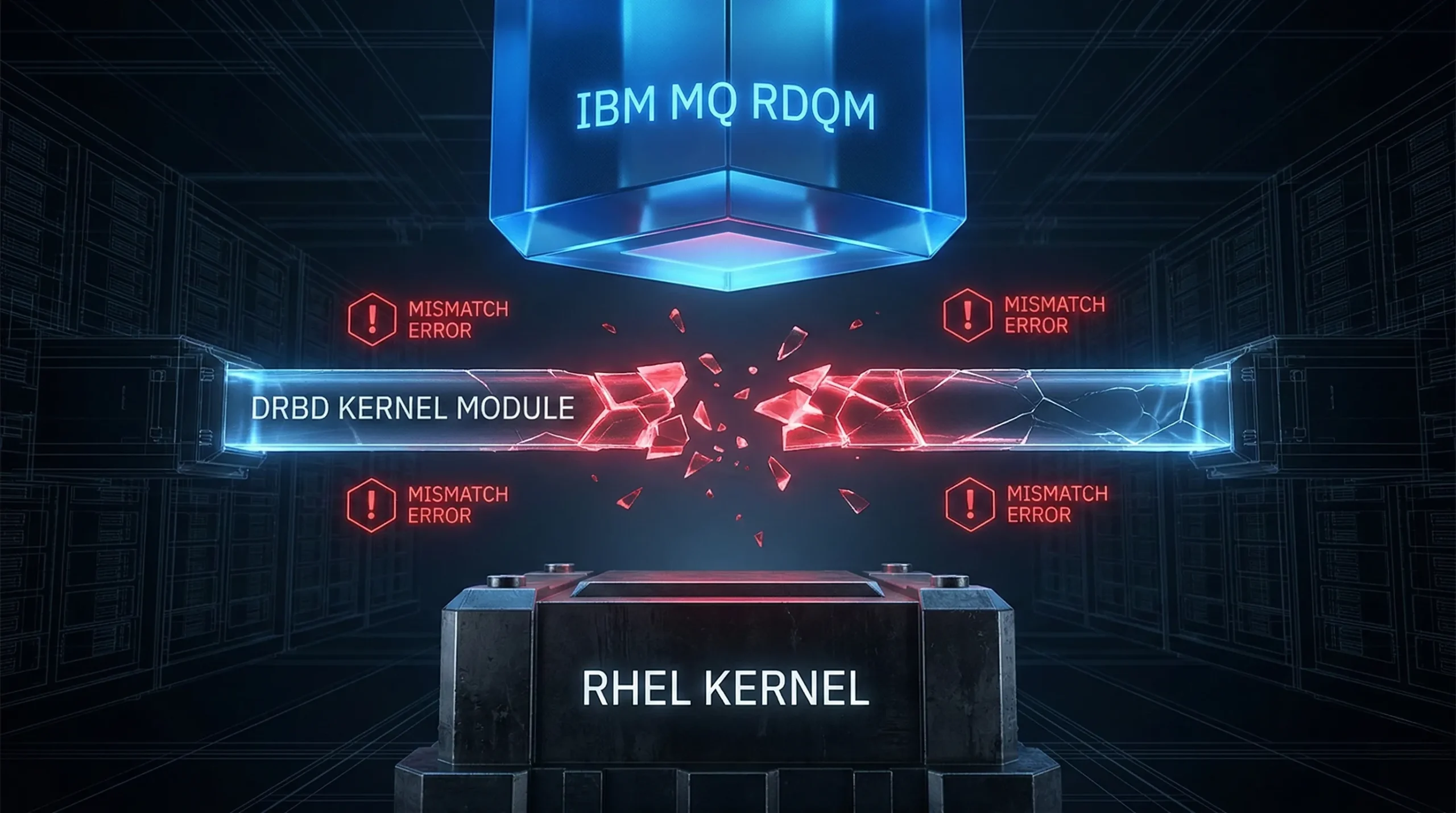
Here’s the hidden dependency: RDQM relies on a DRBD kernel module that must be compatible with the running kernel. If the kernel changes but the DRBD module does not, RDQM can’t load replication – and the node can’t host your queue manager. If multiple nodes are in that state, your HA queue manager may not start anywhere.
What the failure looks like (symptoms you can spot fast)
You’ll usually see one or more of the following after a kernel update on one or more nodes:
- The queue manager fails over unexpectedly, or won’t start anywhere in the RDQM HA group.
- rdqmstatus shows the DRBD kernel module is only partially loaded, or shows a mismatch between OS kernel version and DRBD OS kernel version.
- drbdadm status or drbdsetup status fails because the drbd module can’t be found/loaded.
- Errors from the RDQM/DRBD component during start-up (for example AMQ3752E) that point to DRBD initialization problems.
- Pacemaker logs warn that the DRBD kernel module isn’t available.
Root cause in one sentence
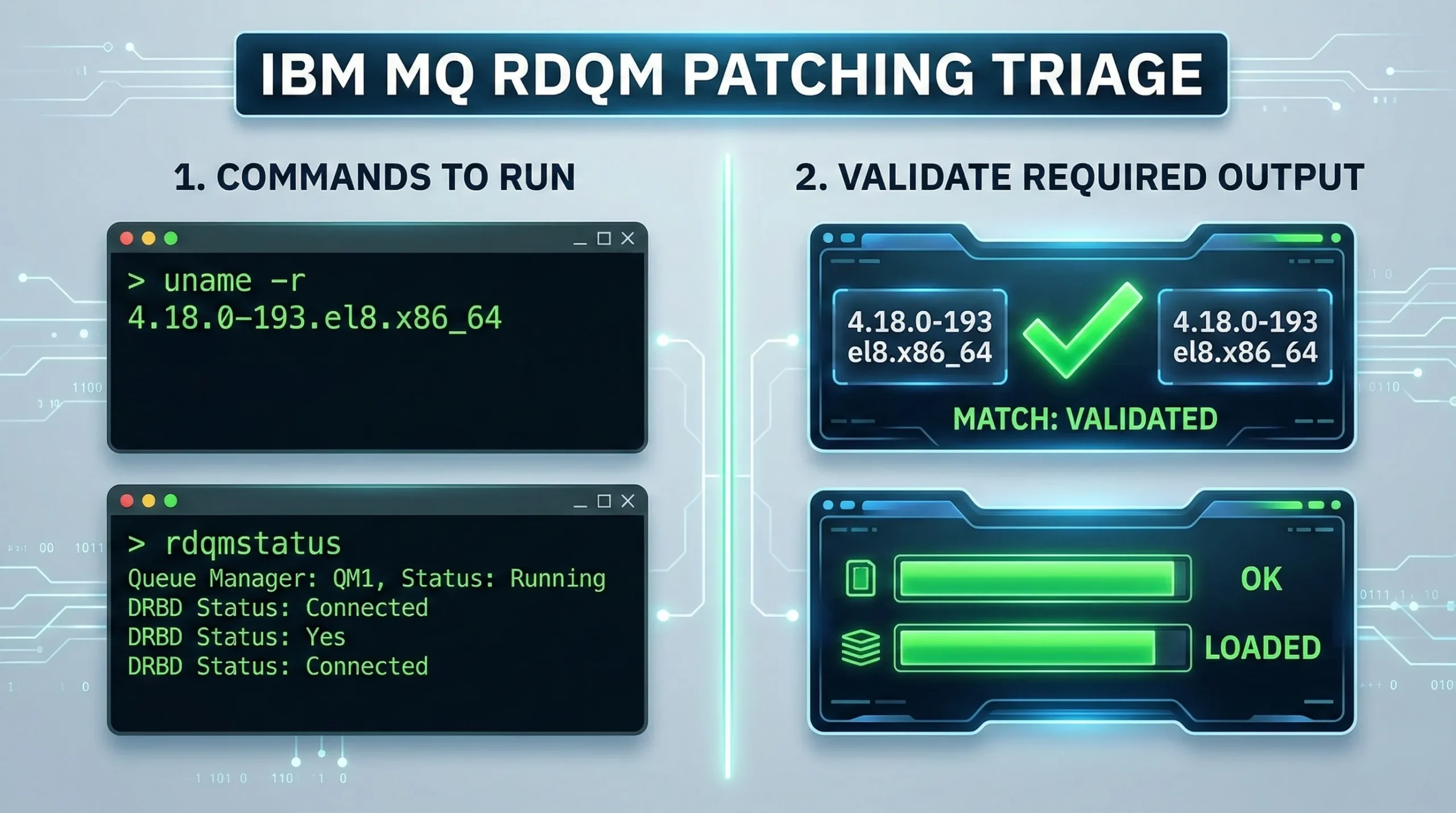
If the RHEL kernel level changes, you may need a different validated DRBD (kmod-drbd) package for RDQM. Until the compatible DRBD module is installed for that kernel, RDQM resources on that node can’t run.
Step 1: Pre-flight checks before you patch (don’t skip these)
Before you approve the maintenance window, capture three things for every node:
- Current kernel level (and the target kernel level you plan to reboot into).
- Current RDQM / DRBD status (so you can prove “good” before you change anything).
- Which DRBD kernel module is validated for the target kernel level (and whether your current MQ maintenance level supports it).
Commands you can use to capture this baseline:
To validate kernel-module compatibility, IBM provides a public “RDQM kernel modules” reference page and a helper script called modver. It can tell you which DRBD kernel module is required for a given kernel level, and (with newer versions) can also show the minimum MQ maintenance level required.
Note: The modver utility is included in the IBM MQ installation media and subsequent iFix bundles (from version 9.2+)
Step 2: Use modver + IBM’s validated-kernel reference (the safe way)
Practical approach:
- Look up your target kernel level in IBM’s RDQM kernel-module reference (or JSON metadata).
Run modver to confirm which kmod-drbd package matches that kernel level. - If modver indicates a minimum MQ maintenance level, confirm you meet it before the window.
- Download only the validated kernel-module bundle for your MQ level and install it per IBM guidance.
Tip: Disable unattended kernel updates (or at least gate kernel packages) so the OS kernel doesn’t drift ahead of the available validated RDQM kernel module.
Optional: updateRDQMsupport (if your MQ maintenance includes it)
Some IBM MQ maintenance levels ship a helper script called updateRDQMsupport. When present, it can automate updating RDQM support packages (including DRBD kernel modules and related cluster components) so they match the kernel you’re moving to. If you have it in your installation, run it as root on each RDQM node as part of your pre-reboot steps – and still validate the result with rdqmstatus after the reboot.
If you don’t have updateRDQMsupport (or your version’s docs don’t use it), the modver + validated-kernel workflow above is still the safe way to avoid guessing.
Step 3: A safe RDQM + RHEL patching sequence (rolling, one node at a time)
Every environment is different, so follow IBM’s docs and your own change controls. The key pattern is: keep at least one good node available, and make sure the node has the compatible DRBD module installed before it becomes eligible to host the queue manager.
A typical rolling approach for a 3-node RDQM HA group:
- Fail over the queue manager away from the node you are about to patch (so it’s not the active host).
- On the node to be patched: apply OS updates, install/upgrade the validated DRBD kernel module for the target kernel, then reboot into the target kernel.
- After reboot: verify rdqmstatus and DRBD state. Only then make the node eligible again (or proceed to the next node).
- Repeat node-by-node until all nodes are patched.
Step 4: Don’t accidentally upgrade the cluster stack during RHEL patching
One more gotcha that shows up in real-world RDQM patch windows: if your OS patching process pulls in unexpected updates to Pacemaker/Corosync/resource-agents, you can introduce new variables in the same window. If your plan is “OS patches only,” consider gating or excluding cluster-stack packages unless you are explicitly coordinating that upgrade with IBM’s RDQM guidance.
If you patch via yum/dnf, consider an explicit exclude list (example):
Step 5: Post-maintenance validation that actually proves HA is healthy
“The queue manager started” isn’t enough. Validate these in order:
- RDQM/DRBD health (rdqmstatus shows the module loaded and no kernel mismatch symptoms).
- Queue manager status and listeners.
- A real canary transaction (put/get) that mimics production headers where possible.
- Failover behavior (if your change plan includes it) – confirm the standby node can take over cleanly.
How Infrared360 helps make RDQM patch windows boring
Infrared360 can reduce risk and reduce time-to-proof before and after the change by making the MQ side of the window more controlled and more measurable.
- Baseline evidence: capture “before” health and performance using dashboards/analytics so you can compare after the reboot.
- Maintenance-window noise reduction: put affected MQ targets into a defined monitoring sleep / maintenance mode and keep only “break-glass” alerts active.
- Targeted alert routing: route critical exceptions to email, traps, or your ticketing workflow so you don’t miss a real incident during planned work.
- Post-change proof: run synthetic transactions / repeatable tests to confirm end-to-end MQ behavior after the patch.
- Governance: use RBAC and audit logging for actions taken in Infrared360 (who suppressed alerts, who ran a controlled operation, etc.).
Download: Printable MQ HA maintenance window checklist (includes RDQM steps)
If you want a one-page, printable version of the workflow above (pre-flight, execution, post-checks, rollback triggers), grab the checklist here:
FAQ
Do I need a new DRBD kernel module every time the kernel changes?
Not always – but you must confirm your target kernel level is compatible with an available validated RDQM DRBD module. Use IBM’s kernel-module reference and modver to avoid guessing.
What if the target kernel level is listed as incompatible or under test?
Treat that as a stop sign for production HA. Either hold the kernel update, or coordinate the maintenance window with the validated module availability and MQ maintenance level.
Can I make this less fragile long-term?
Yes: gate kernel updates, standardize a pre-flight checklist, and automate the “compare target kernel -> required kmod -> minimum MQ level” decision so it’s repeatable.
Related Posts







More Infrared360® Resources
About the Author: Scott Treggiari