On this page
A queue is backing up. An application team is reporting failed transactions. Or while investigating an unrelated routing issue, you discover messages that simply look out of place.
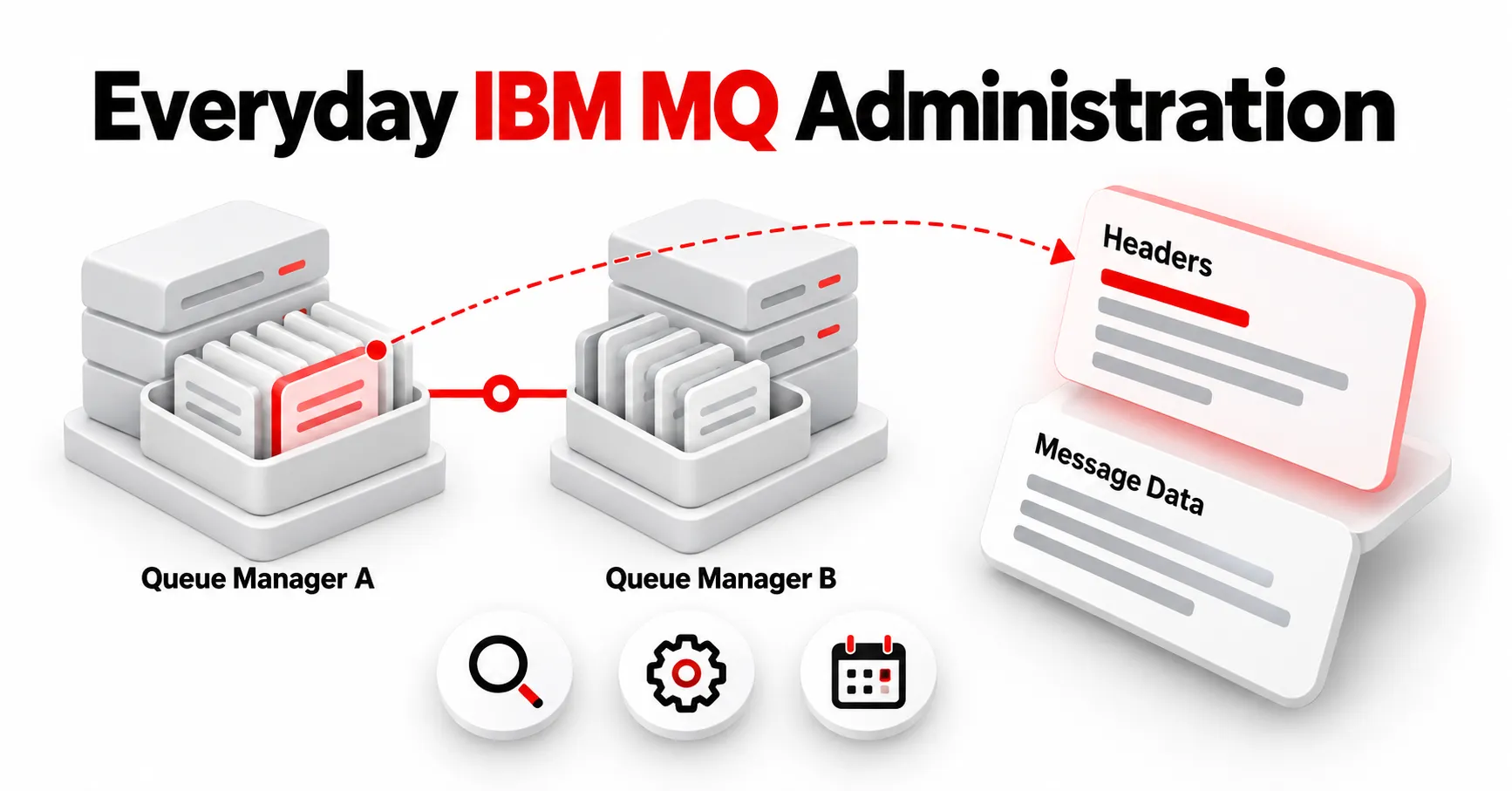
Standard IBM MQ message browsing lets administrators and support teams inspect queue contents without consuming or removing messages.[1]
But in active enterprise environments, discovering a suspicious message is rarely the end of the investigation—it is where operational triage begins.
Once a problematic message is identified, administrators must determine whether it represents an isolated glitch or a systemic issue, examine common payload characteristics, preserve representative evidence for developer analysis, and take controlled corrective action.
Moving smoothly from discovery to diagnosis and resolution is what turns simple message browsing into effective message triage.
Architectural Best Practices for Enterprise Queue Inspection
Inspecting live queues in high-volume, mission-critical environments requires tooling built to uphold strict operational standards. As MQ environments expand across hybrid and multi-cloud infrastructure, senior MQ administrators look for message-management solutions that adhere to three core principles:
- Non-Intrusive Operation: Message inspection should minimize its impact on production workloads while allowing administrators to examine messages without consuming them.
- Targeted Filtering: Advanced search capabilities such as Java Regular Expressions can help narrow the message population to messages containing relevant patterns.
- Delegated Role-Based Security: Granular, role-based access control (RBAC) allows application teams and L1/L2 analysts to view and search specific queue contents independently, eliminating routine administrative bottlenecks while strictly protecting destructive system privileges.
Finding One Suspicious Message Is Only the Beginning
When a transaction fails, opening messages one at a time on a deep queue is inefficient and impractical.
Infrared360® enables authorized users to browse IBM MQ queues, inspect individual message headers and body contents, and rapidly narrow message populations using advanced search criteria. With full Java RegEx support, searches can go far beyond basic text string matching.
For example, if a failed payload contains a specific transaction ID, customer account format, error code, or structural anomaly, administrators can construct a targeted search query to help identify other messages sharing that characteristic.
Instead of analyzing a single message in isolation, teams gain immediate visibility into the true scope of an incident.
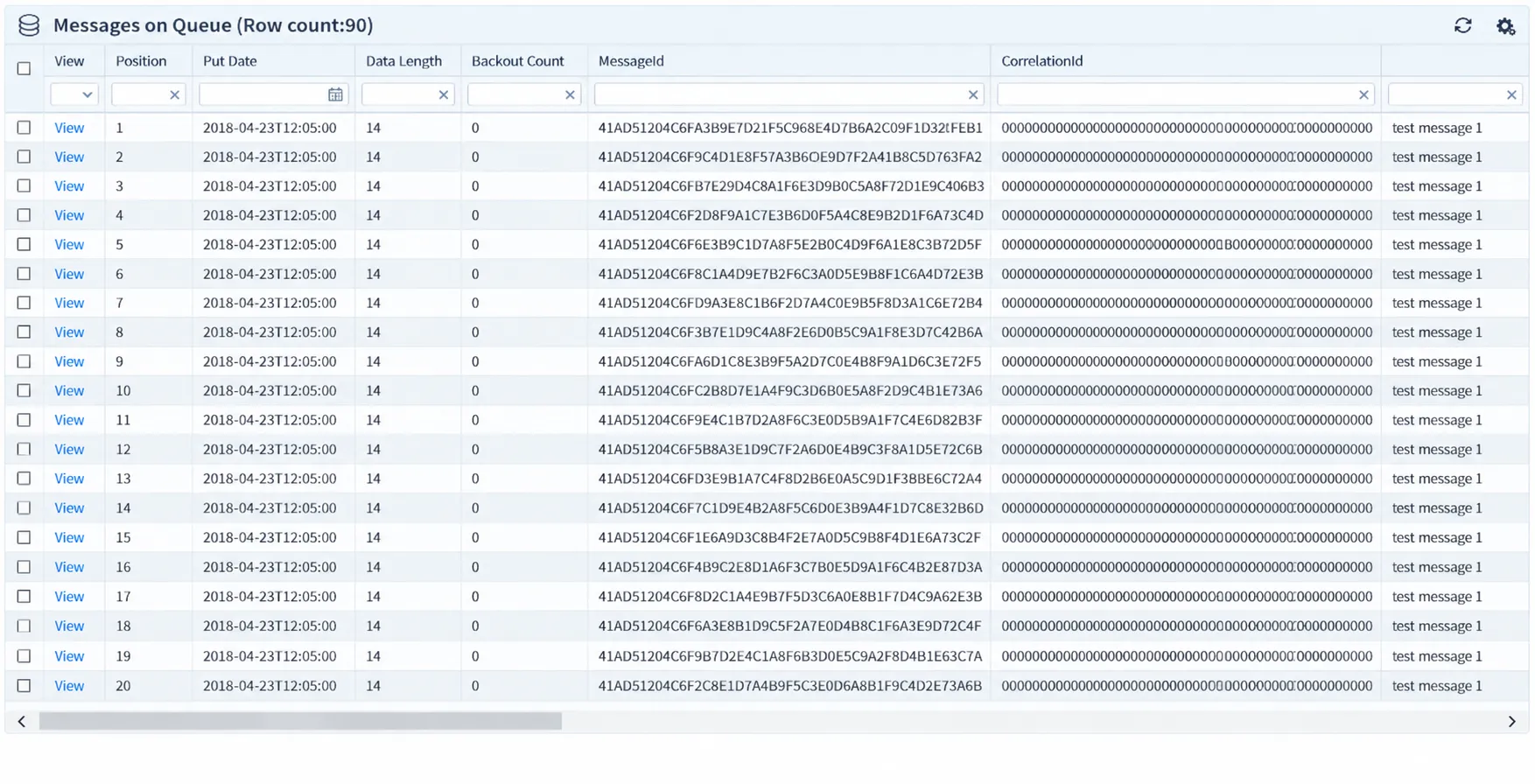
Browse IBM MQ messages and inspect message details without removing them from the queue.
Preserve Evidence Before Making System Changes
Once problematic messages are identified, modifying or clearing them immediately can destroy valuable diagnostic data that development teams need to fix underlying application logic.
A structured triage workflow emphasizes preserving representative messages before remediation begins.
Infrared360 provides flexible options for capturing state without disrupting live queues:
- Copy Selected Messages: Duplicate representative problem messages to a dedicated staging or investigation queue.
- Export to File: Export messages to files for developer review or further analysis, with options controlling how message headers are handled.
- Selective Header Control: Choose exactly how headers are handled during transfers—retaining original headers, removing dead-letter headers, stripping extended properties, or transferring payload content exclusively.
Preserving clean diagnostic samples prior to taking action ensures root-cause analysis can proceed without delaying queue recovery.
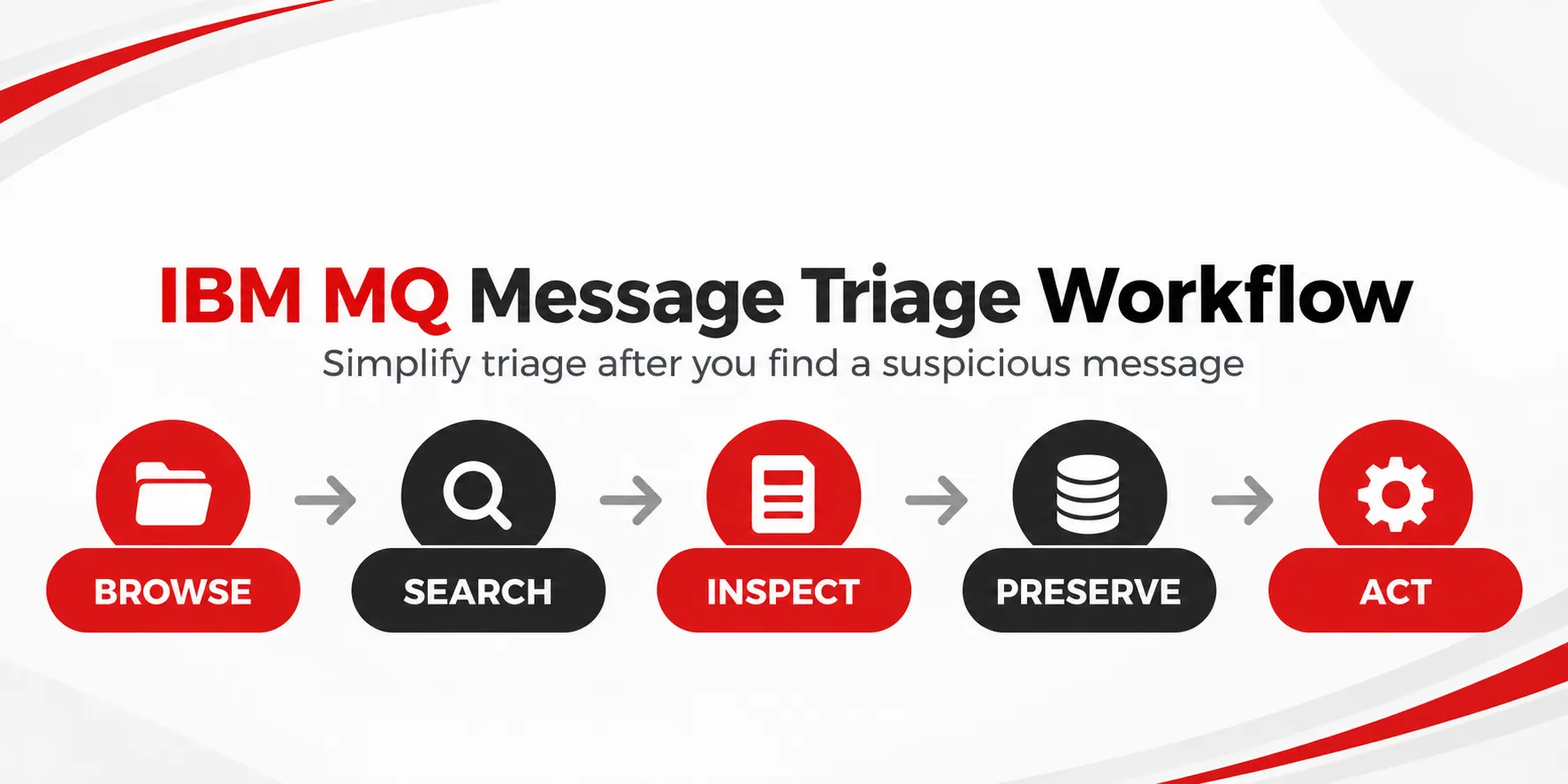
A five-step IBM MQ message triage workflow from initial browsing through controlled action.
Move From Investigation to Controlled Action
An investigation should always lead to clear, governed operational decisions. Depending on the outcome of the analysis, affected messages may need to remain in place, be redirected to another destination, corrected, or safely purged.
Infrared360 integrates these administrative actions directly into the inspection workflow. Authorized administrators can copy, move, import, edit, or delete specific messages within the same unified interface used to search them.
Because visibility does not have to grant authority, Infrared360’s group- and role-based permissions ensure that operational actions remain tightly governed.
Organizations can safely empower support staff with visibility while reserving high-impact administrative functions for senior engineers.
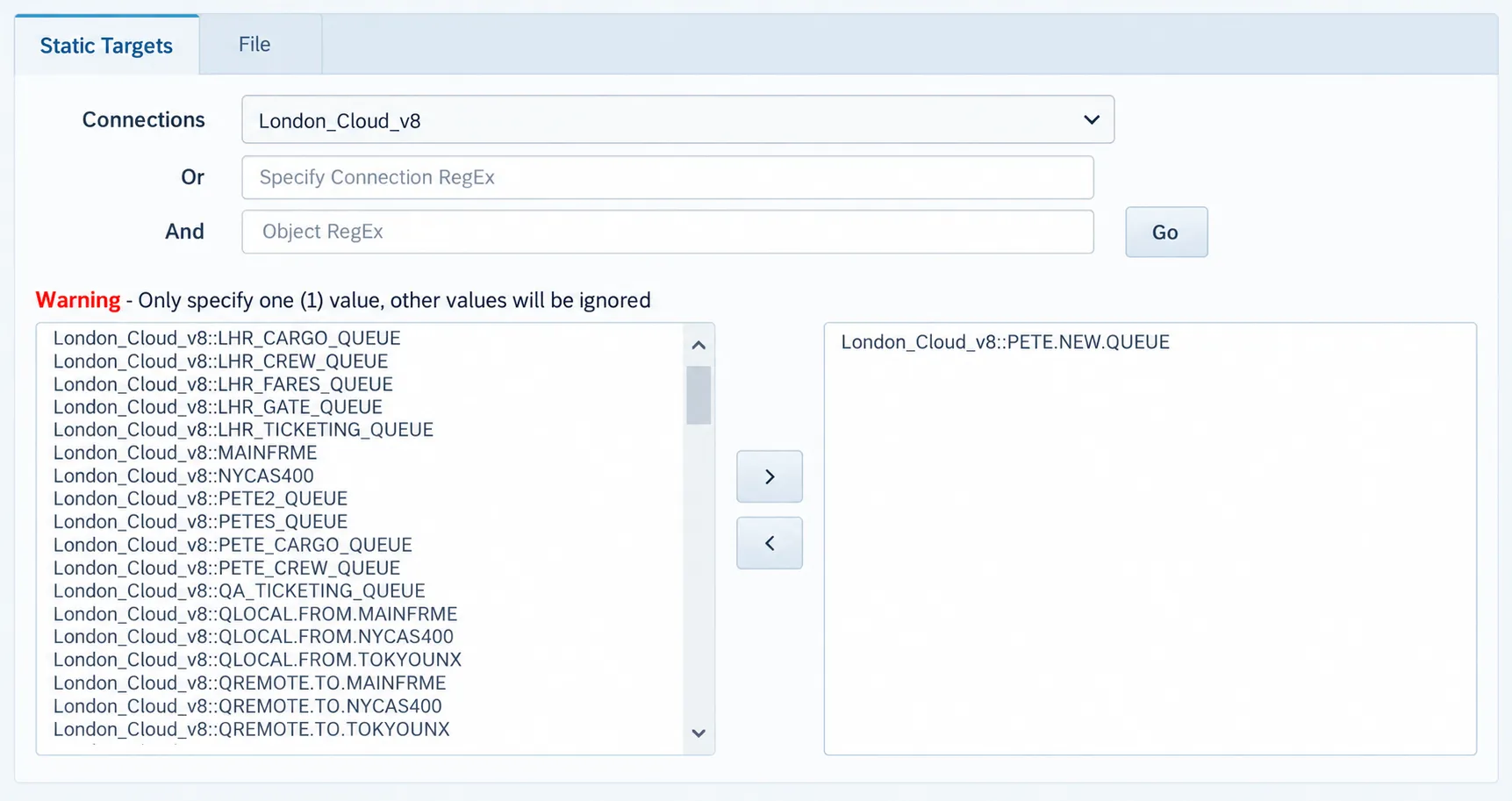
Select a destination queue for copying or moving messages during IBM MQ triage.
Elevating Message Browsing into Complete Message Triage
Standard queue browsing answers a basic question:
What is currently sitting on this queue?
When production issues arise, MQ teams must answer deeper operational questions:
Which messages are affected? What payload patterns do they share? How do we preserve evidence safely? What controlled action should be taken next?
Infrared360 brings monitoring, administration, and message management into a single, lightweight web interface. By connecting message browsing directly to enterprise triage best practices (Browse → Search → Inspect → Preserve → Act), MQ teams resolve issues faster while maintaining complete operational stability and control.
Frequently Asked Questions
Can you browse IBM MQ messages without removing them from the queue?
Yes. IBM MQ message browsing allows authorized users to inspect payload and header contents without issuing a destructive get. The messages remain on the queue for normal application processing.
Does Infrared360 support regular expression searching across IBM MQ messages?
Yes. Infrared360 provides advanced message-content searching using Java Regular Expressions (RegEx), allowing administrators to narrow the messages displayed during an investigation.
Can Infrared360 copy or move messages between queues?
Yes. Selected messages can be copied or moved to another queue or exported to a file. Infrared360 also supports importing messages from another queue or file location.
How does Infrared360 control user permissions for message management?
Infrared360 uses group- and role-based permissions (RBAC) so organizations can control which managed objects users can access and which administrative functions they are permitted to perform.
Endnotes
[1] IBM, Browsing the messages on a queue, IBM MQ 10.0.x documentation. IBM MQ: Browsing the messages on a queue